

Prerequisites
- A Snowflake account with Horizon Catalog enabled
- An AWS account with permissions to create S3 buckets and IAM roles
- The
ACCOUNTADMINrole in Snowflake (required for several SQL operations below)
1. Create an External Volume
The Horizon Catalog uses a Snowflake External Volume to access object storage. Reference: Tutorial: Create your first Apache Iceberg table.1.1 Identify the Snowflake Account Region
Find the region of your Snowflake account so the S3 bucket can be created in the same region.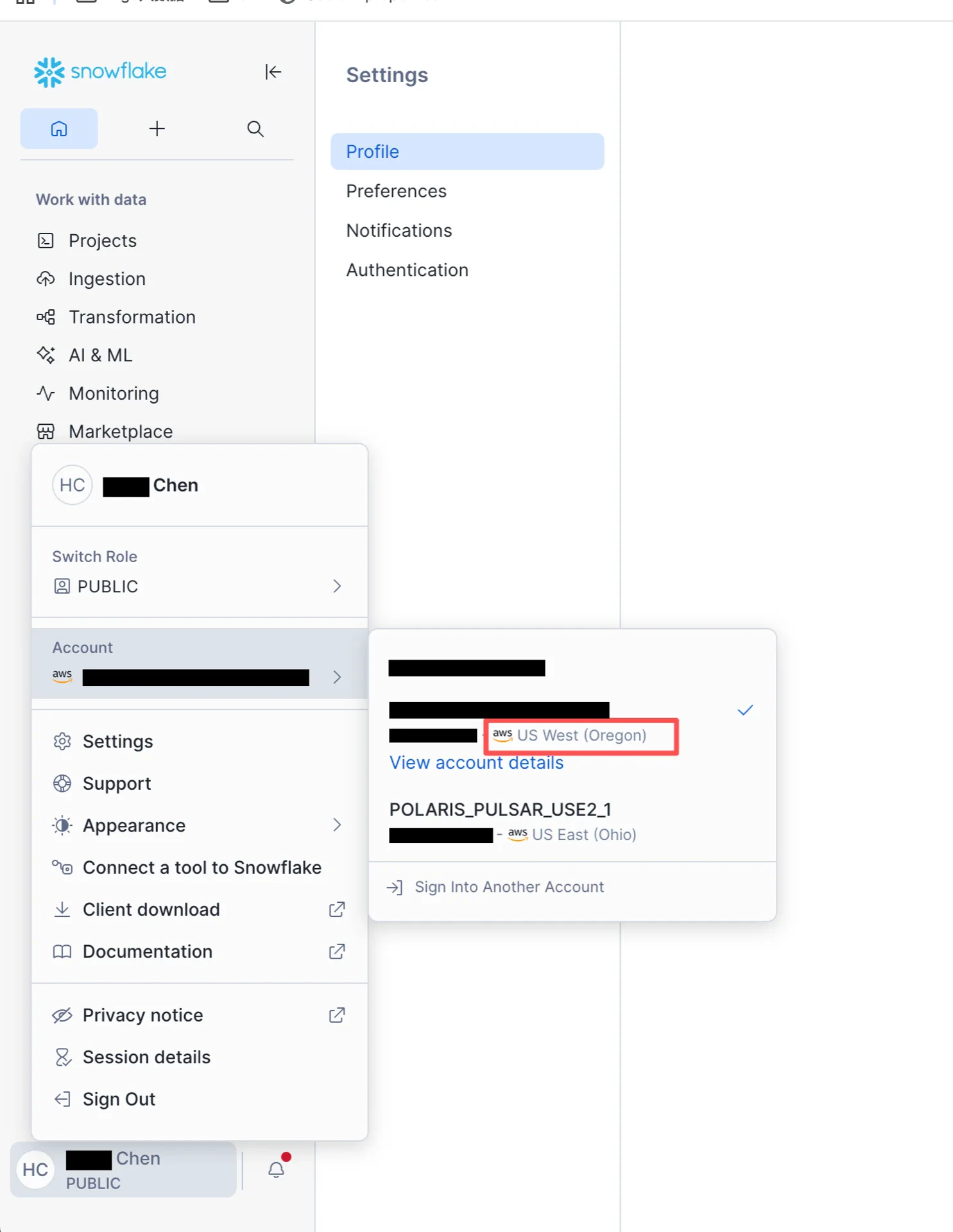
1.2 Create an S3 Bucket
Create an S3 bucket in the AWS console, in the same region as your Snowflake account.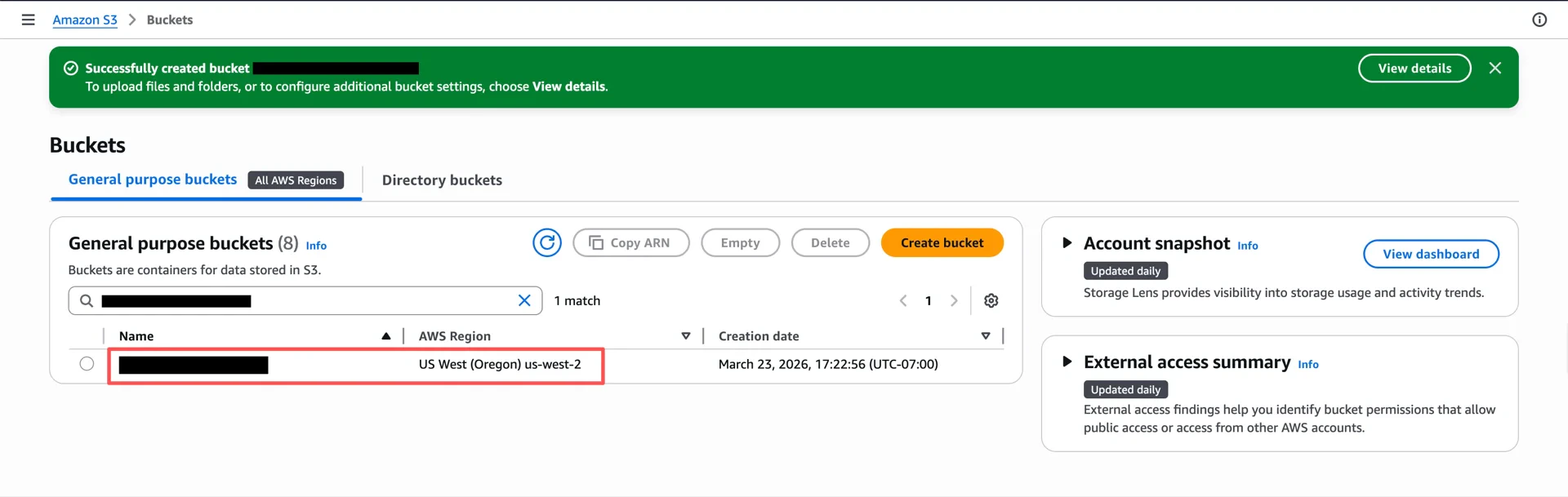
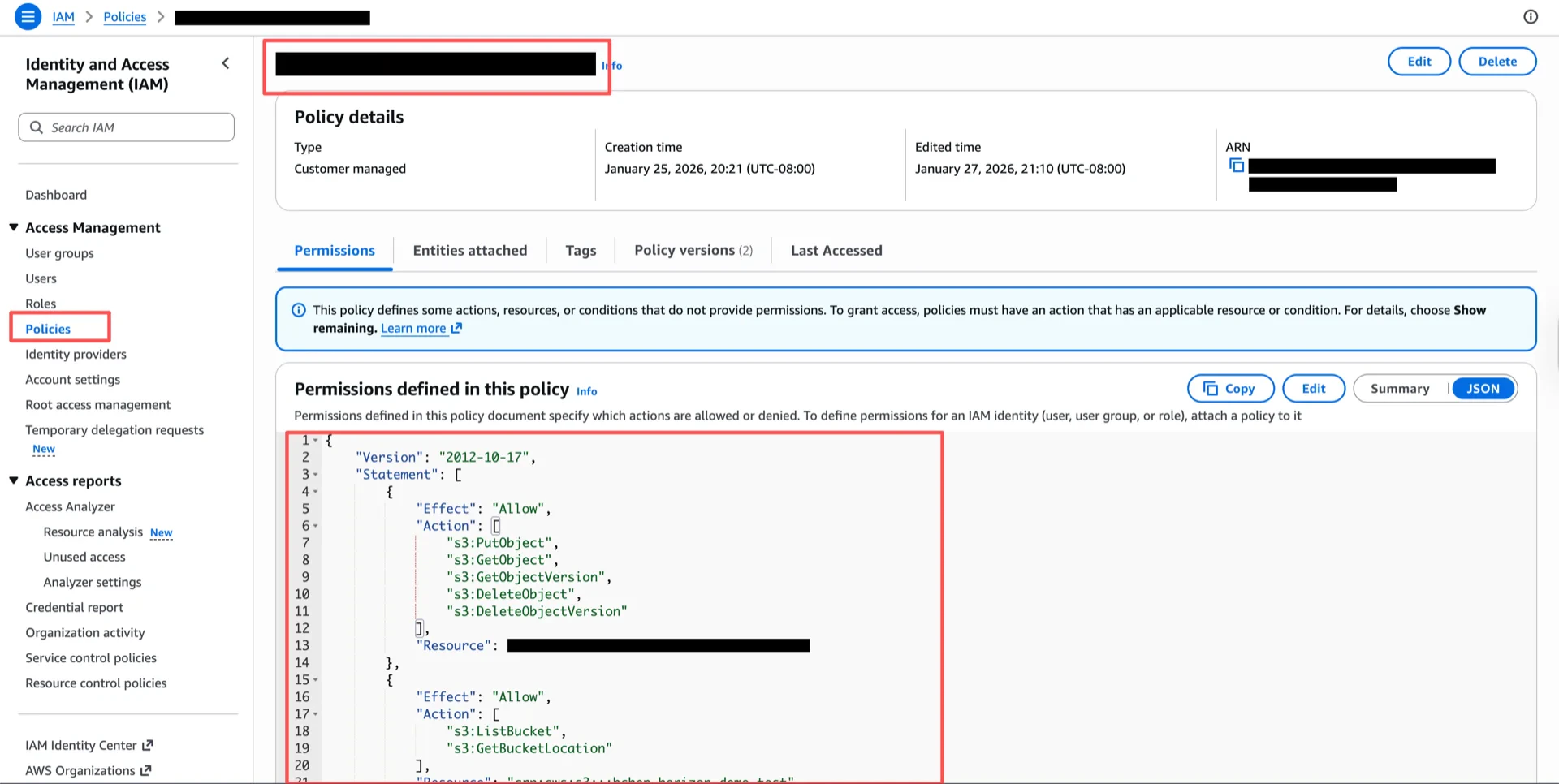
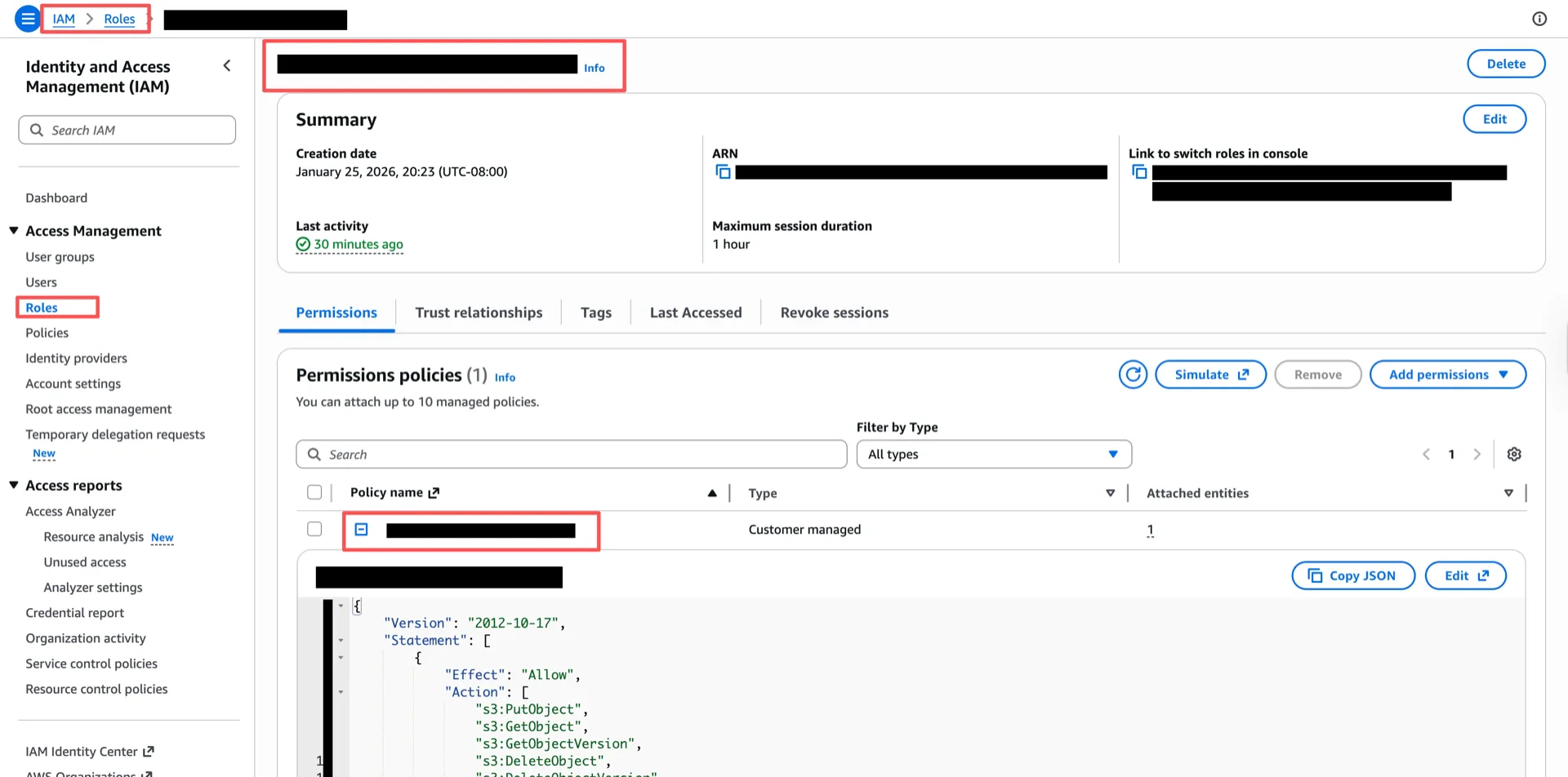
1.3 Create an IAM Policy
Create an IAM policy granting access to the bucket. Replace<your-bucket> with the bucket name from step 1.2.
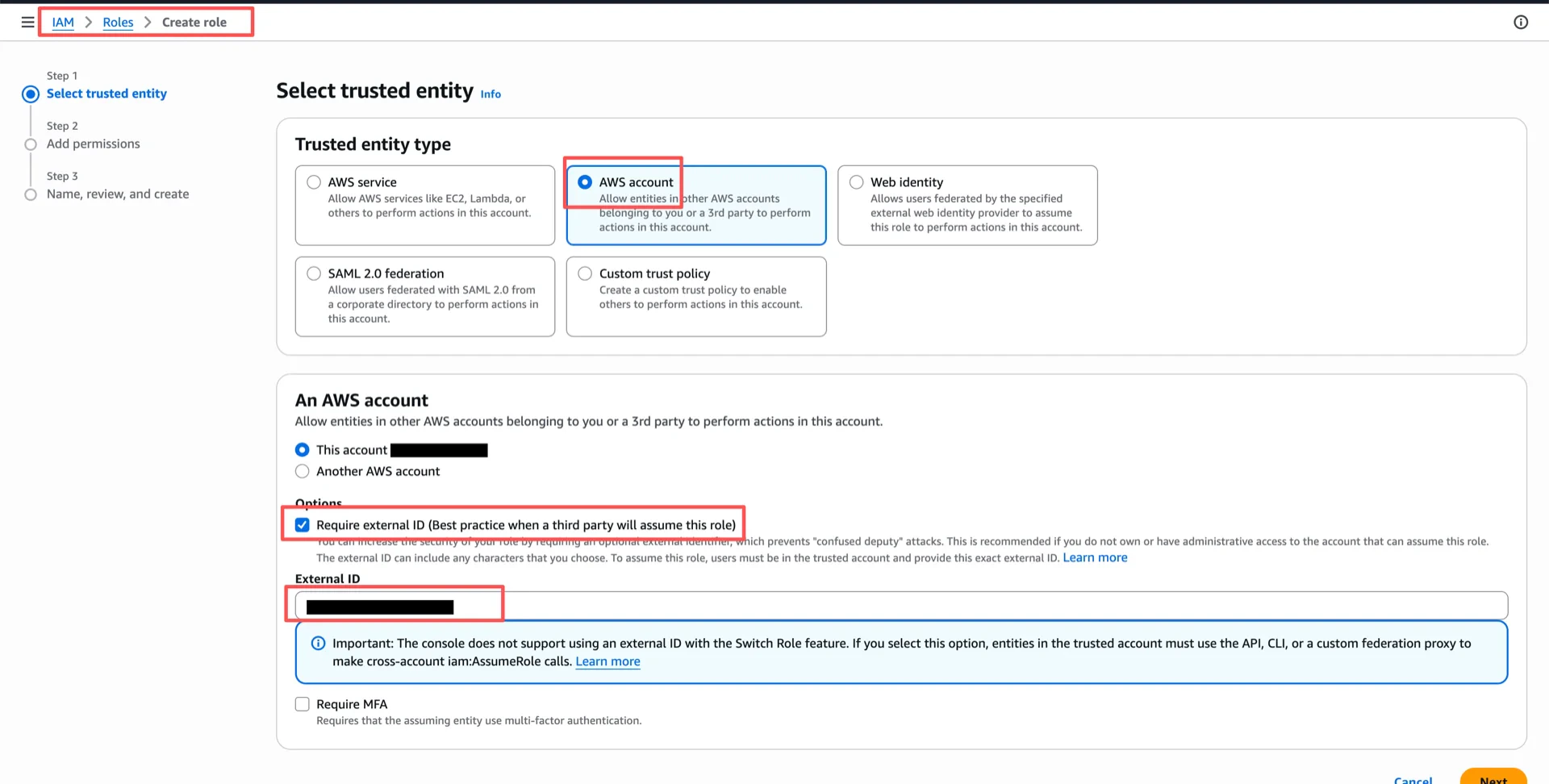
1.4 Create an IAM Role
Create an IAM role with an External ID (for example,iceberg_table_external_id). The trust policy will be updated in step 1.6.
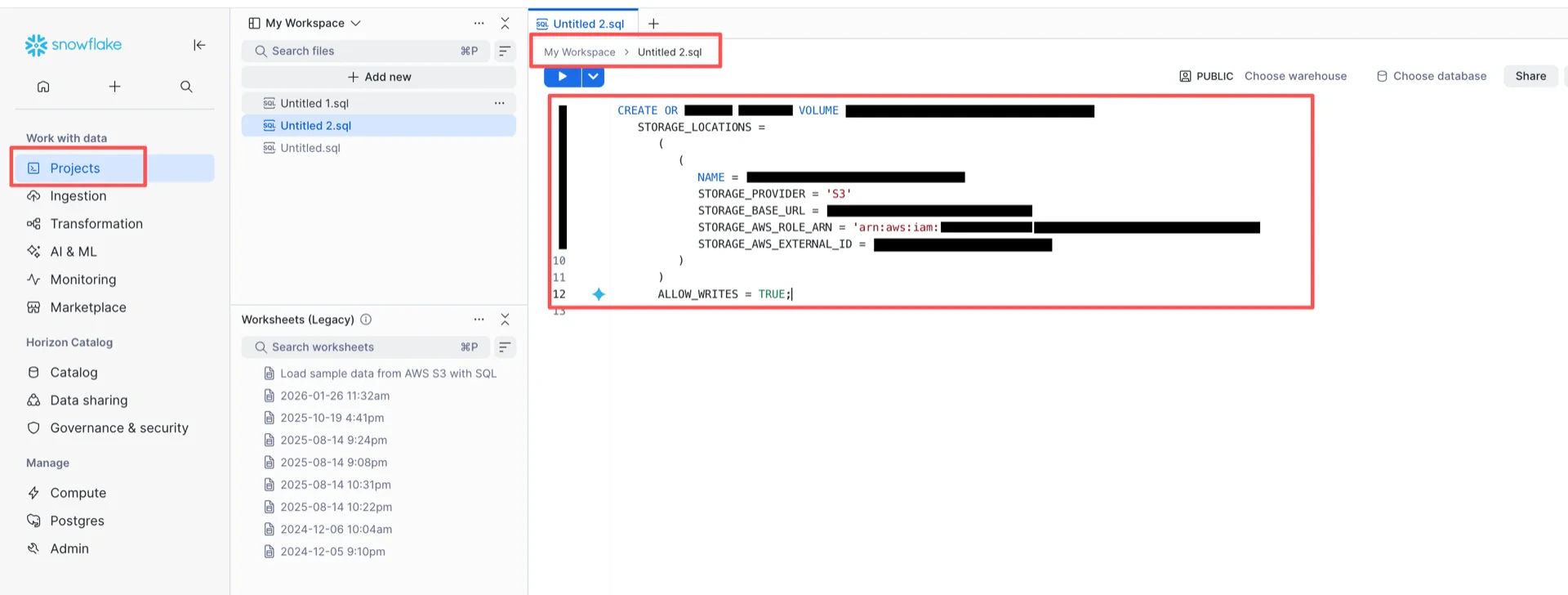
1.5 Create the External Volume in Snowflake
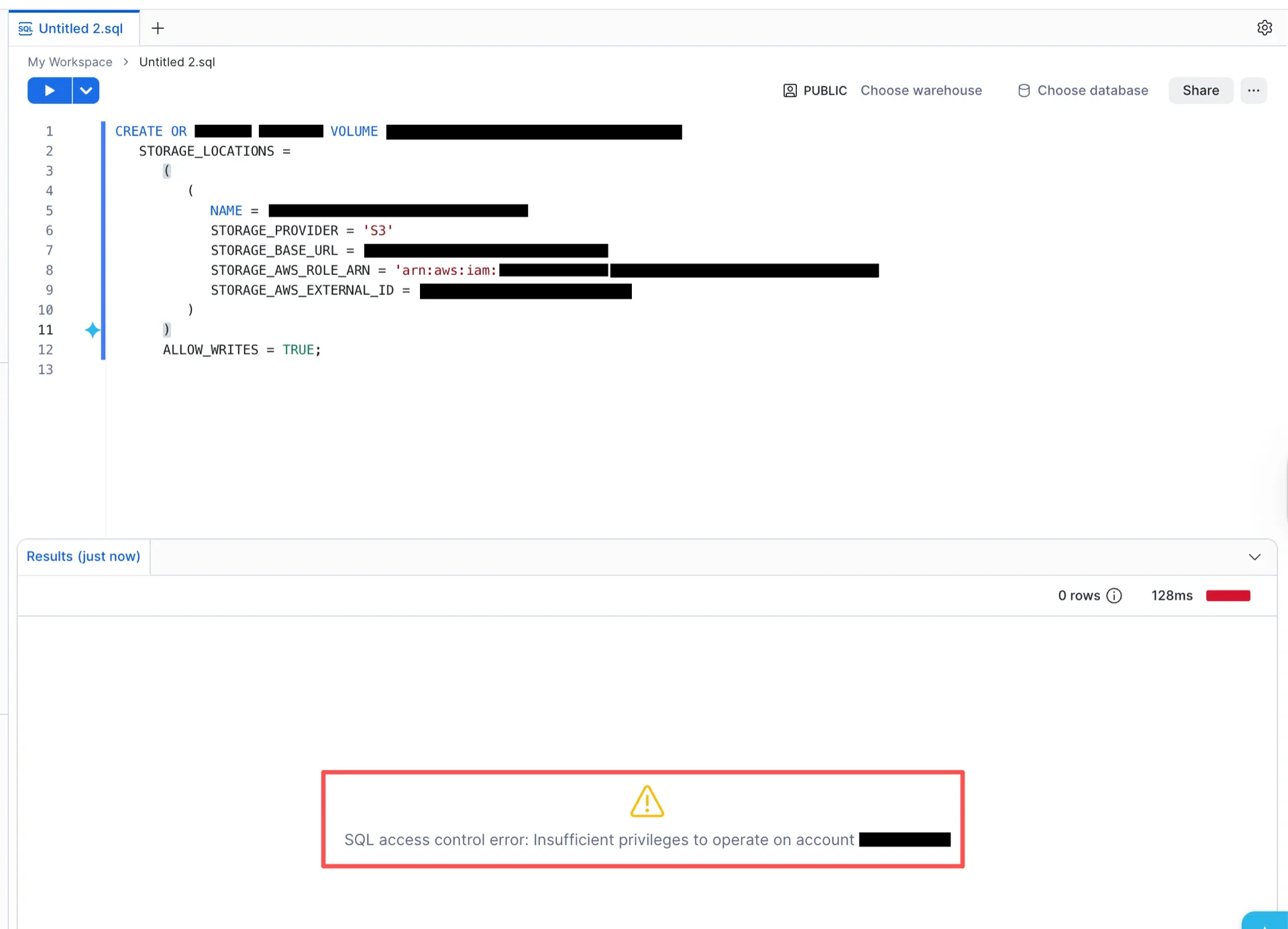
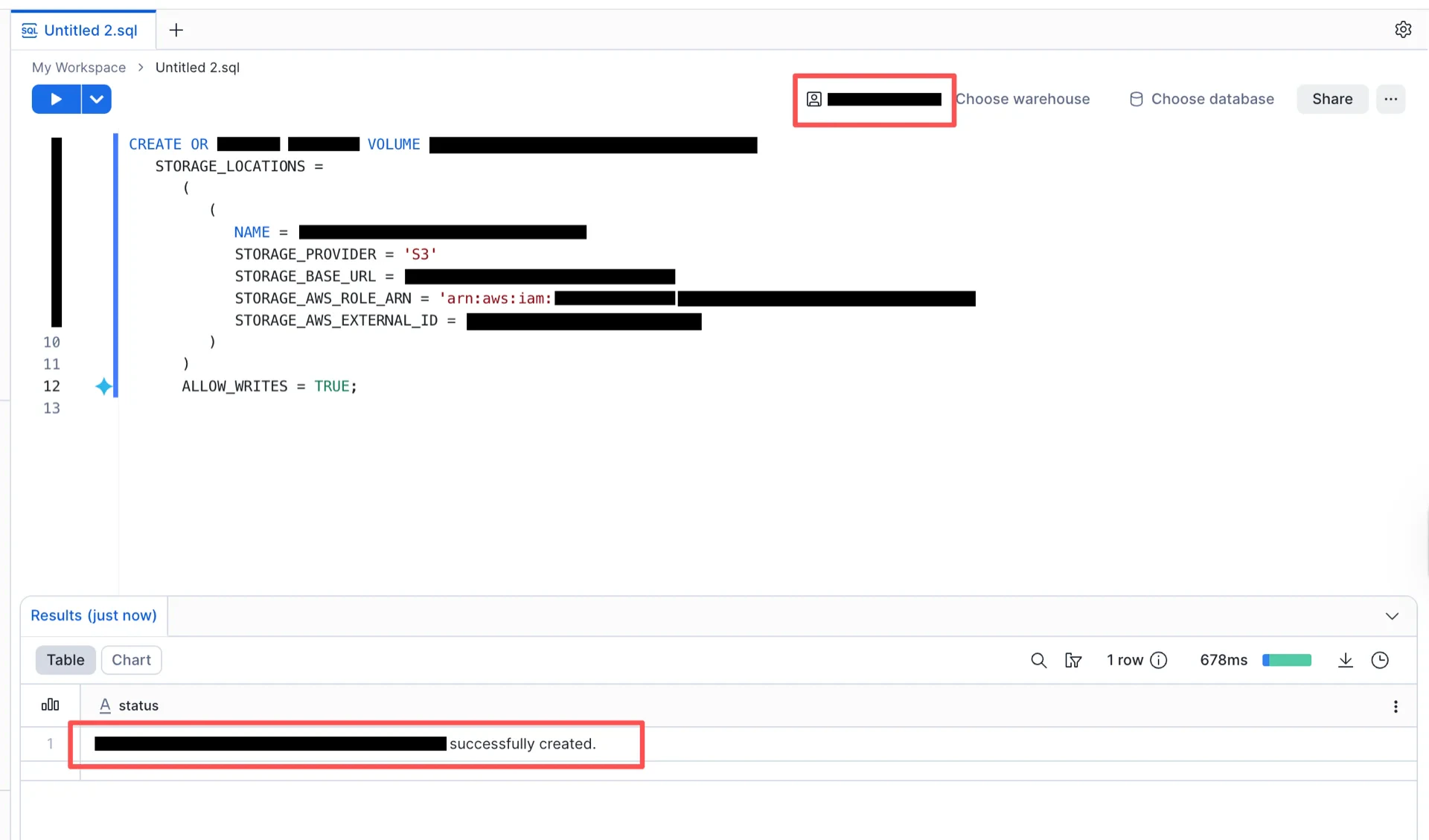
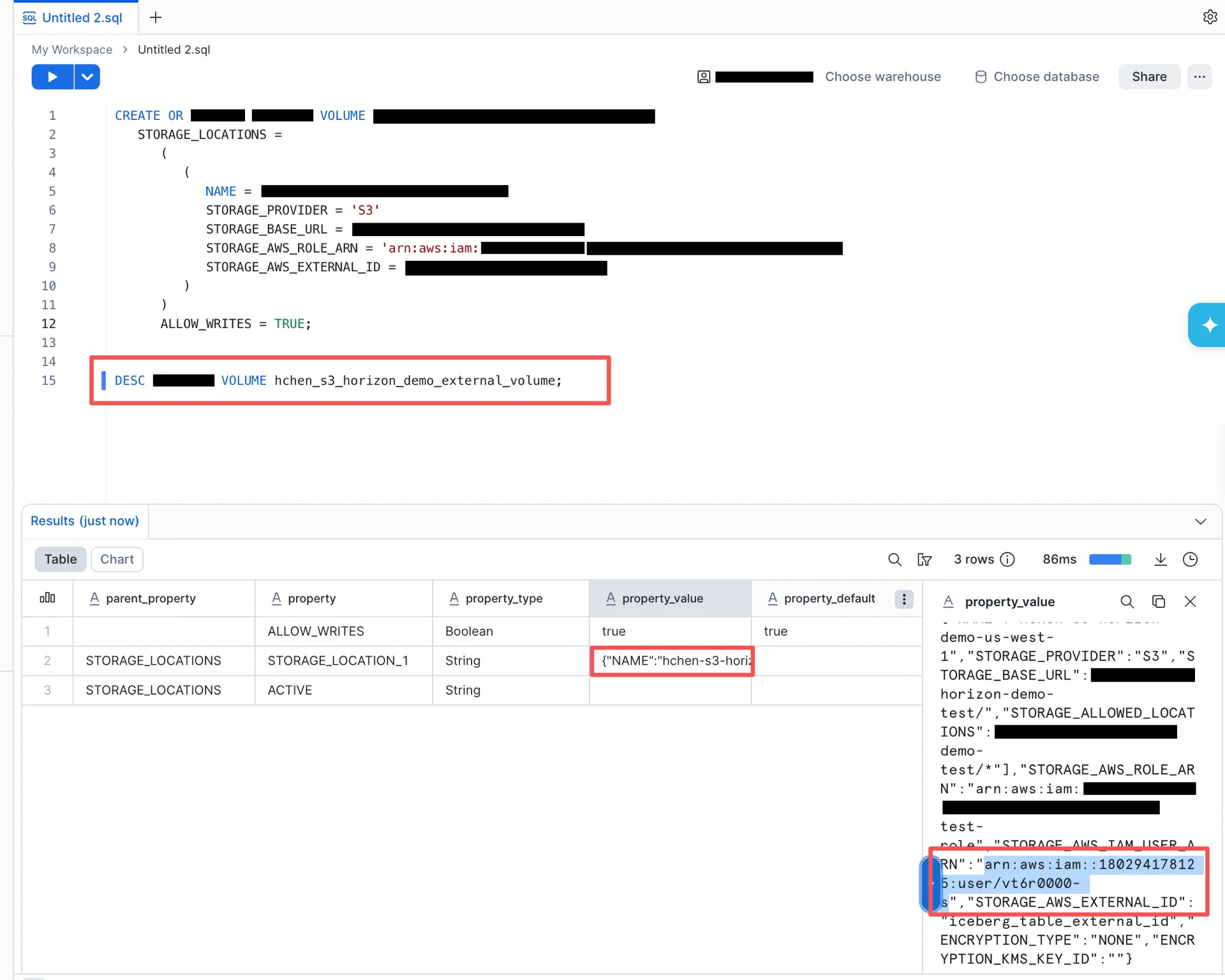
Switch to theACCOUNTADMIN role and run the following SQL, substituting your values:
ACCOUNTADMIN role:
1.6 Configure the Trust Relationship
After the external volume is created, retrieve the Snowflake-generated IAM user ARN:STORAGE_AWS_IAM_USER_ARN field contains the value (for example, arn:aws:iam::<snowflake-account>:user/<id>).
STORAGE_AWS_IAM_USER_ARN to assume the role.
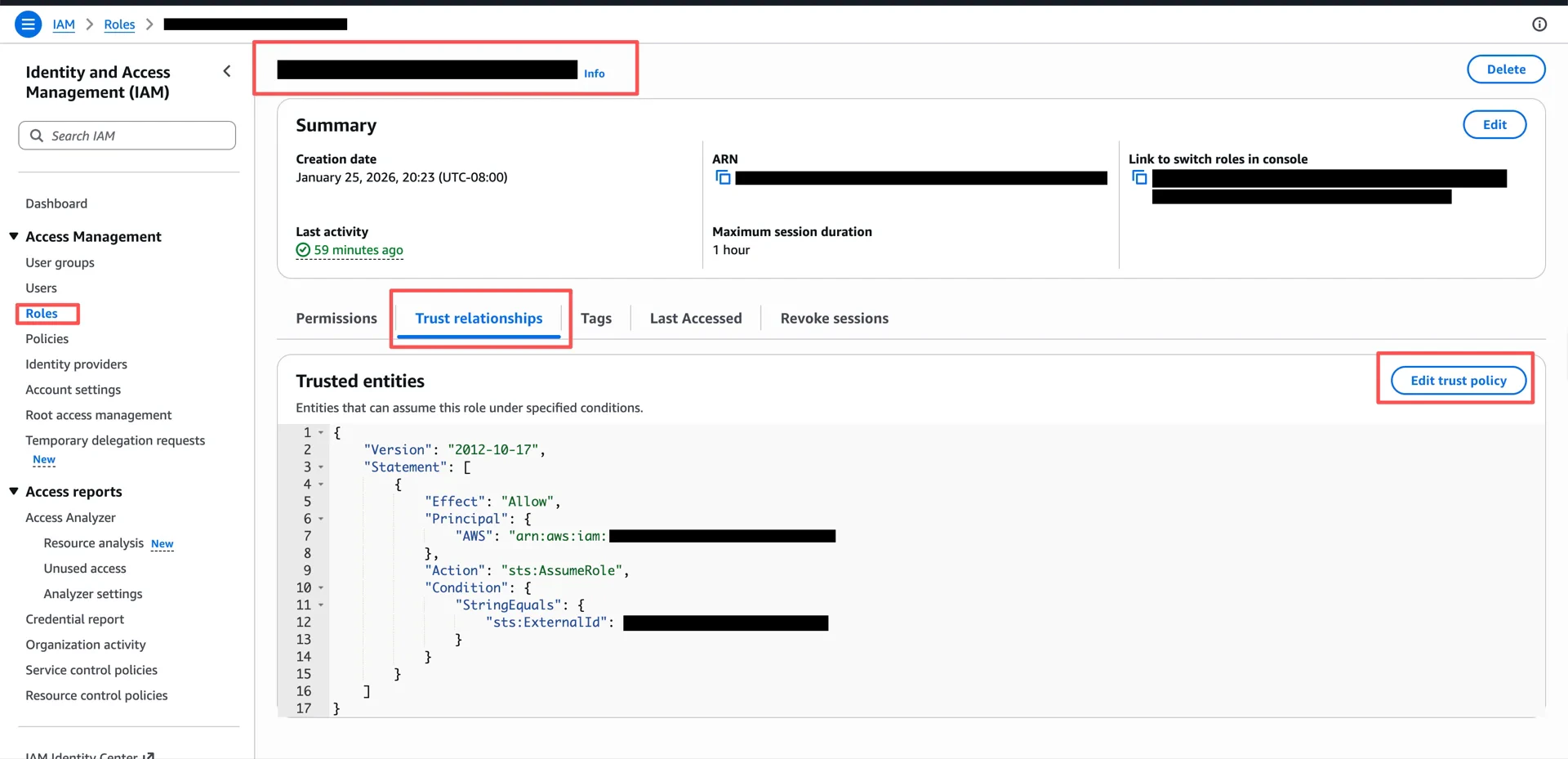
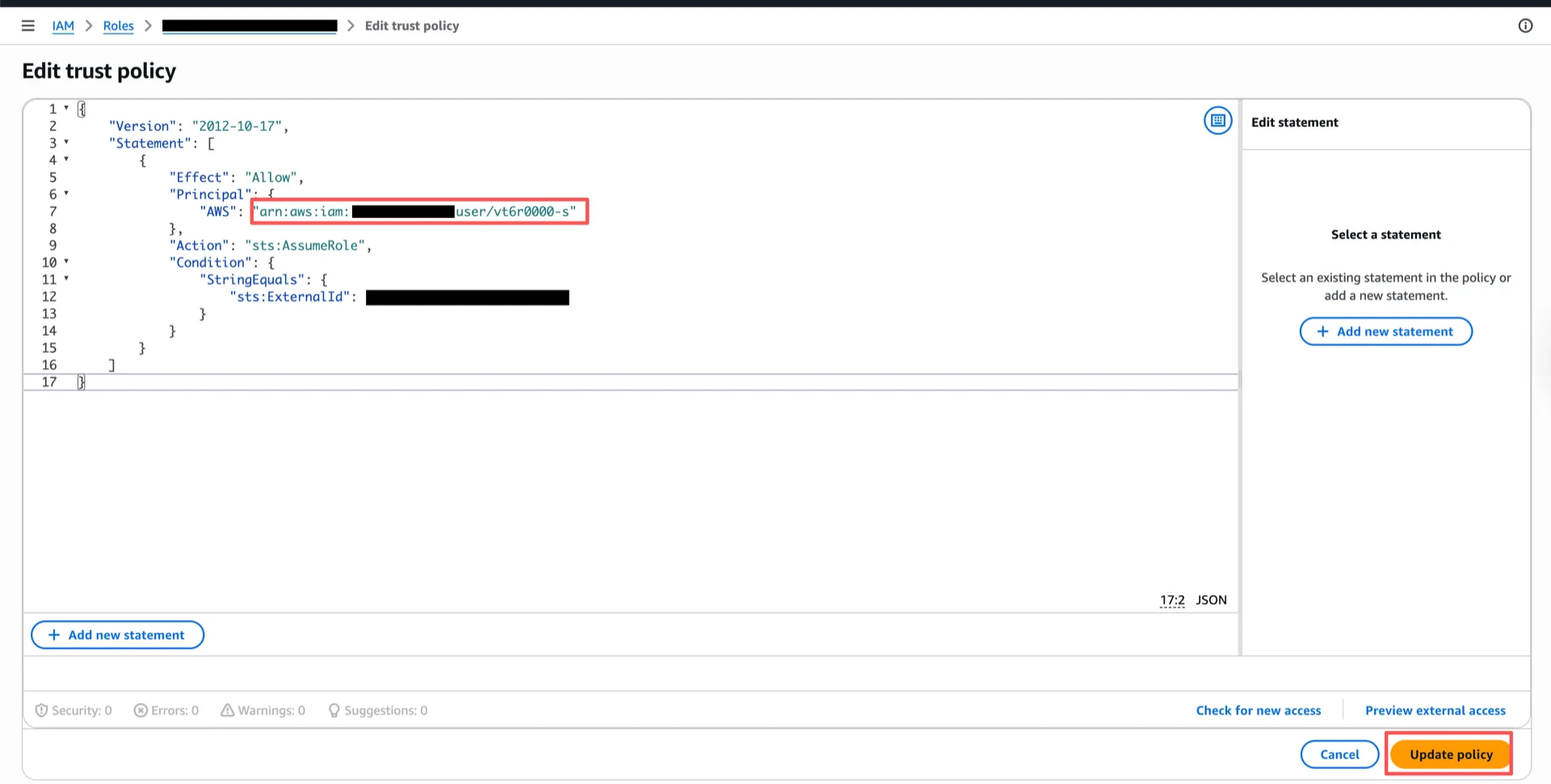
2. Configure Access Control
Note: If you already have roles configured with access to the Iceberg tables you want to use, you can skip this section.For details, see Configuring access control.
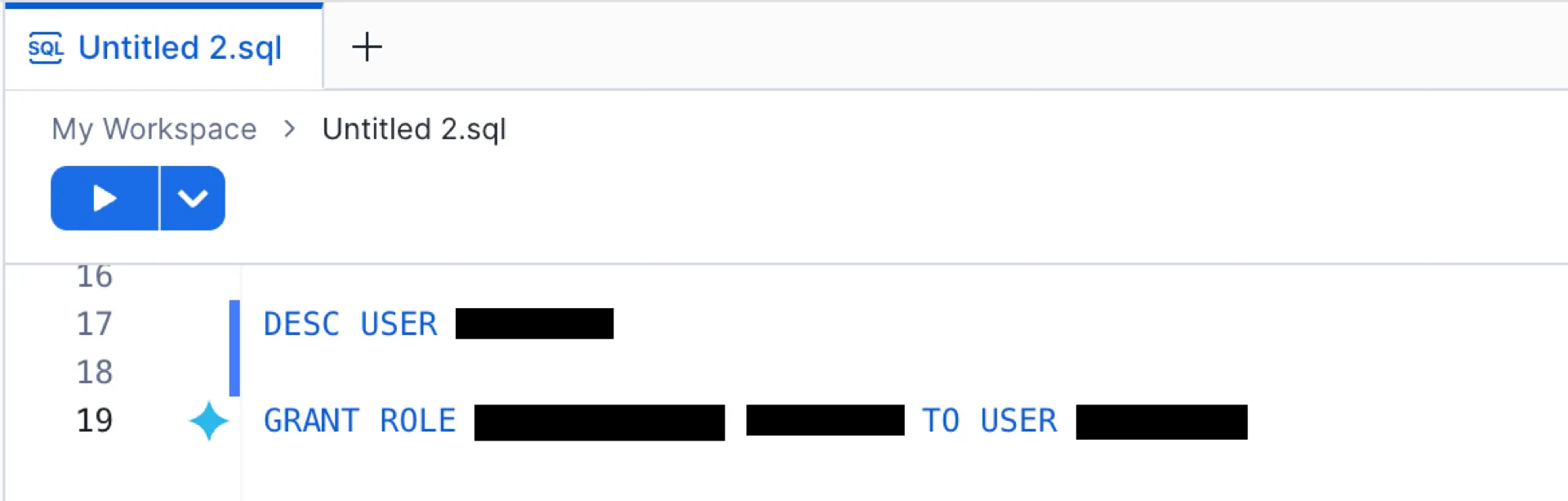
3. Create the Catalog Database
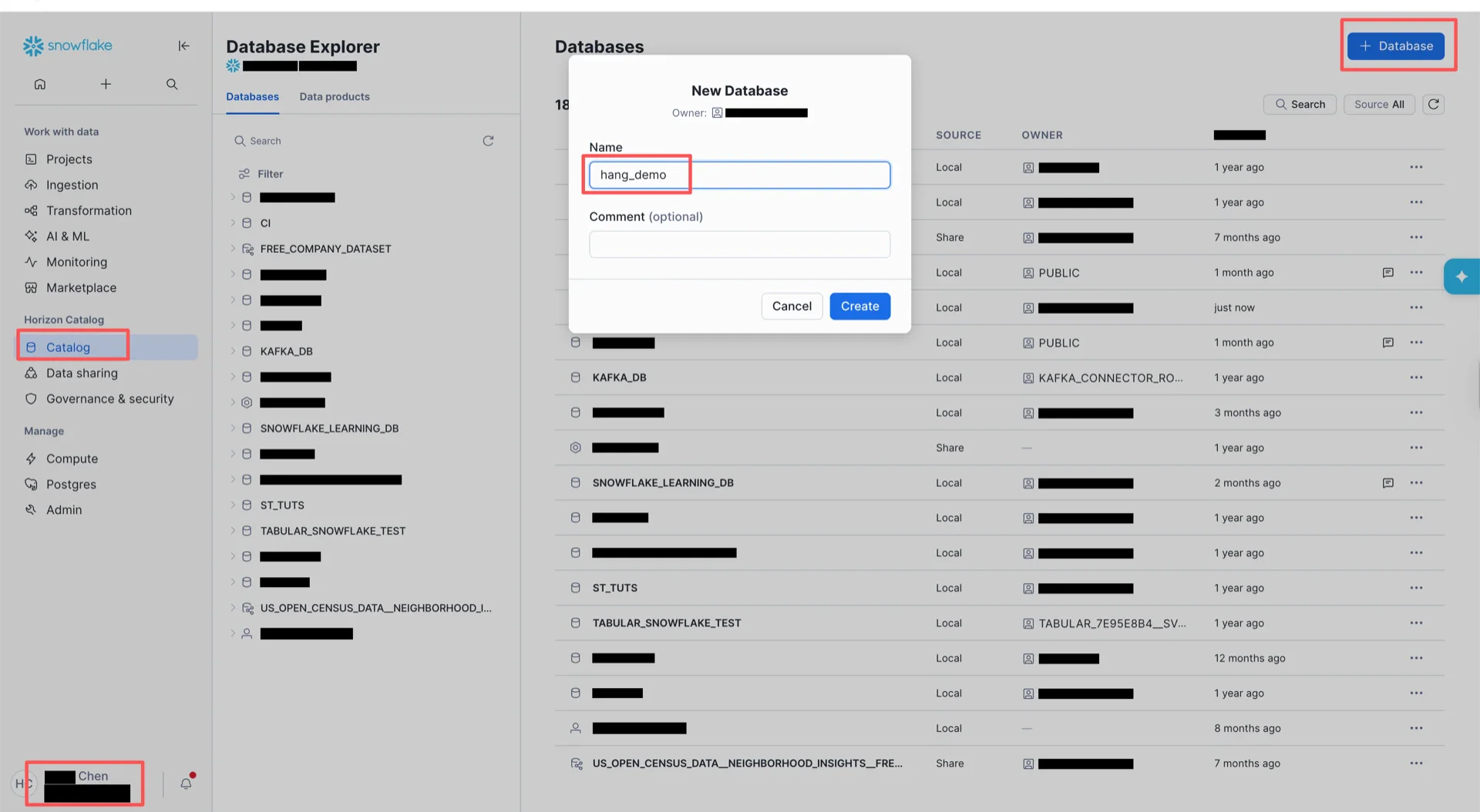
Switch toACCOUNTADMIN and create the catalog database in the Snowflake UI. Then bind the database to the external volume:
4. Obtain an Access Token
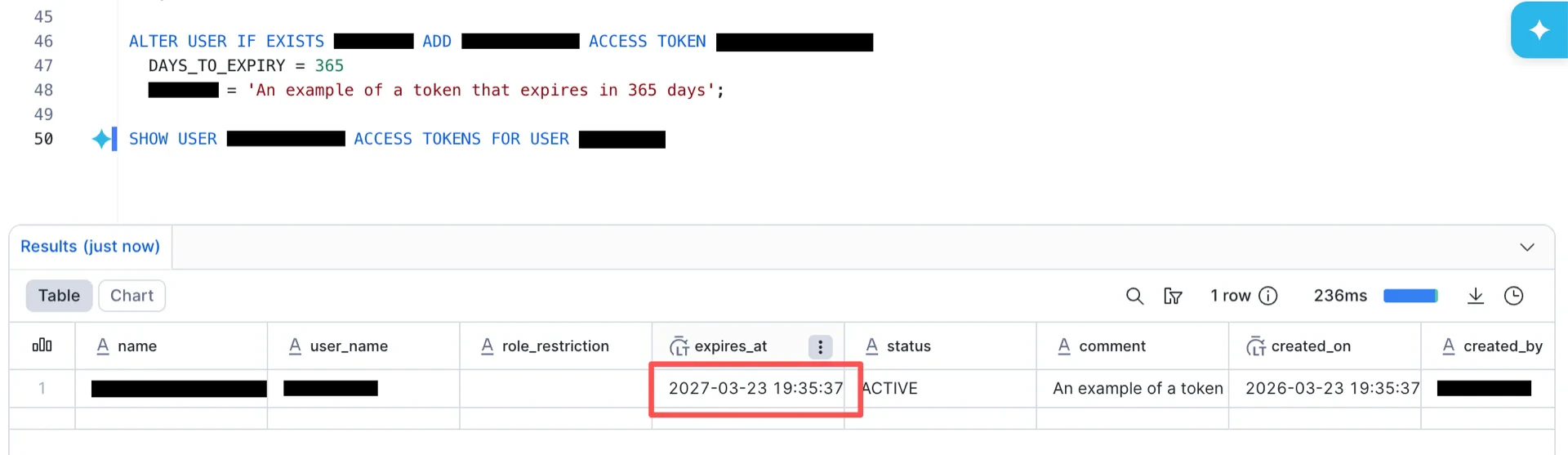
Snowflake Horizon supports three authentication methods: External OAuth, Key-pair authentication, and Programmatic Access Token (PAT). This guide uses PAT.4.1 Create an Authentication Policy
Switch toACCOUNTADMIN and run:
4.2 Verify the Endpoint
Generate an OAuth access token using the PAT and verify the Horizon REST endpoint:4.3 Grant Permissions
Catalog Information Summary
When the steps above are complete, collect the following values for the StreamNative Ursa compaction service:
For the next steps, see Register Lakehouse Catalogs.