

This connector is available as a built-in connector on StreamNative Cloud.
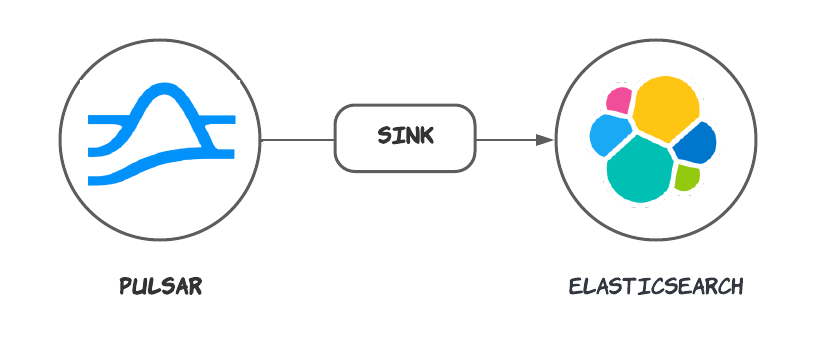
Quick start
Prerequisites
The prerequisites for connecting an Elasticsearch sink connector to external systems include: Create a Elasticsearch cluster. You can create a single-node Elasticsearch cluster by executing this command:1. Create a connector
The following command shows how to use pulsarctl to create abuiltin connector. If you want to create a non-builtin connector,
you need to replace --sink-type elastic-search with --archive /path/to/pulsar-io-elastic-search.nar. You can find the button to download the nar package at the beginning of the document.
If you are a StreamNative Cloud user, you need set up your environment first.
--sink-config is the minimum necessary configuration for starting this connector, and it is a JSON string. You need to substitute the relevant parameters with your own.
If you want to configure more parameters, see Configuration Properties for reference.
You can also choose to use a variety of other tools to create a connector:
- pulsar-admin: The command arguments for
pulsar-adminare similar to those ofpulsarctl. You can find an example for StreamNative Cloud Doc. - RestAPI: You can find an example for StreamNative Cloud Doc.
- Terraform: You can find an example for StreamNative Cloud Doc.
- Function Mesh: The docker image can be found at the beginning of the document.
2. Send messages to the topic
If your connector is created on StreamNative Cloud, you need to authenticate your clients. See Build applications using Pulsar clients for more information.
3. Check documents in Elasticsearch
- Refresh the index
- Search documents
- You can see the record that was published earlier has been successfully written into Elasticsearch.