

This connector is available as a built-in connector on StreamNative Cloud.
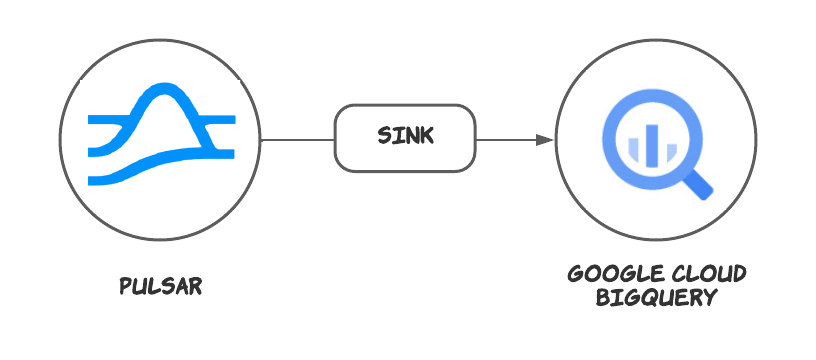
Quick start
Data can only be synchronized to Standard BigQuery tables. External tables and View are not supported.
Prerequisites
The prerequisites for connecting an Google BigQuery sink connector to external systems include:- Create GoogleBigQuery, DataSet in Google Cloud.
- Create the Gcloud ServiceAccount and create a public key certificate.
- Create the Gcloud Role, ensure the Google Cloud role have the following permissions to the Google BigQuery API:
- Grant the service account the above role permissions.
1. Create a connector
The following command shows how to use pulsarctl to create abuiltin connector. If you want to create a non-builtin connector,
you need to replace --sink-type bigquery with --archive /path/to/pulsar-io-bigquery.nar. You can find the button to download the nar package at the beginning of the document.
If you are a StreamNative Cloud user, you need set up your environment first.
--sink-config is the minimum necessary configuration for starting this connector, and it is a JSON string. You need to substitute the relevant parameters with your own.
If you want to configure more parameters, see Configuration Properties for reference.
You can also choose to use a variety of other tools to create a connector:
- pulsar-admin: The command arguments for
pulsar-adminare similar to those ofpulsarctl. You can find an example for StreamNative Cloud Doc. - RestAPI: You can find an example for StreamNative Cloud Doc.
- Terraform: You can find an example for StreamNative Cloud Doc.
- Function Mesh: The docker image can be found at the beginning of the document.
2. Send messages to the topic
If your connector is created on StreamNative Cloud, you need to authenticate your clients. See Build applications using Pulsar clients for more information.
3. Show data on Google BigQuery
This connector will automatically create the table structure according to the schema. You can use sql to query the data in the console.Configuration Properties
Before using the Google Cloud BigQuery sink connector, you need to configure it. This table outlines the properties and the descriptions.Advanced features
Delivery guarantees
The Pulsar IO connector framework provides three delivery guarantees:at-most-once, at-least-once, and effectively-once.
Currently, the Google Cloud BigQuery sink connector only provides the at-least-once delivery guarantee.
Tables schema
The Google Cloud BigQuery sink connector supports automatically creating and updating a table’s schema based on the Pulsar topic schema. You can configure the following options:The Google Cloud BigQuery sink connector does not delete any fields. If you change a field name in a Pulsar topic, the Google Cloud BigQuery sink connector will preserve both fields.
Partitioned tables
This feature is only available when
autoCreateTable is set to true. If you create a table manually, you need to manually specify the partition key.Clustered tables
This feature is only available when
autoCreateTable is set to true. If you create a table manually, you need to manually specify the cluster key.Multiple tasks
You can leverage the Pulsar Functions scheduling mechanism to configure parallelism of the Google Cloud BigQuery sink connector. You can schedule multiple sink instances to run on different Function worker nodes. These sink instances consume messages according to the configured subscription mode.It is an effective way to increase parallelism when you encounter write bottlenecks. In addition, you need to pay attention to whether the write rate is greater than BigQuery Rate Limits