

This connector is available as a built-in connector on StreamNative Cloud.
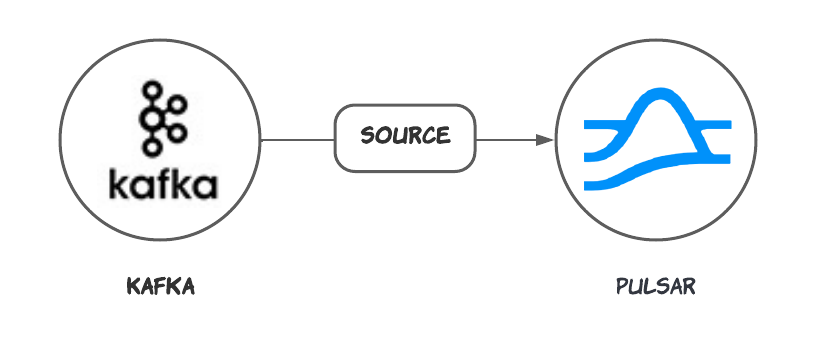
Quick start
Prerequisites
The prerequisites for connecting an Kafka source connector to external systems include: Apache Kafka: Ensure you have a running Kafka instance. You can follow the official Kafka Quickstart guide to set up a Kafka instance if you don’t have one already.1. Create a connector
The following command shows how to use pulsarctl to create abuiltin connector. If you want to create a non-builtin connector,
you need to replace --source-type kafka with --archive /path/to/pulsar-io-kafka.nar. You can find the button to download the nar package at the beginning of the document.
If you are a StreamNative Cloud user, you need set up your environment first.
--source-config is the minimum necessary configuration for starting this connector, and it is a JSON string. You need to substitute the relevant parameters with your own.
If you want to configure more parameters, see Configuration Properties for reference.
You can also choose to use a variety of other tools to create a connector:
- pulsar-admin: The command arguments for
pulsar-adminare similar to those ofpulsarctl. You can find an example for StreamNative Cloud Doc. - RestAPI: You can find an example for StreamNative Cloud Doc.
- Terraform: You can find an example for StreamNative Cloud Doc.
- Function Mesh: The docker image can be found at the beginning of the document.