

Run a query
- In the Cloud Console, open a Ready SQL Workspace.
- In SQL Studio, select a SQL Catalog database and schema.
- Browse the catalog tree and find a managed topic source.
-
Enter a bounded query. Use the exact schema and source names and enclose both in double quotes. This example uses a Pulsar topic in
public/default: - Click Run. You can select part of a script to run only that selection.
- Review the result rows, execution status, and notices.
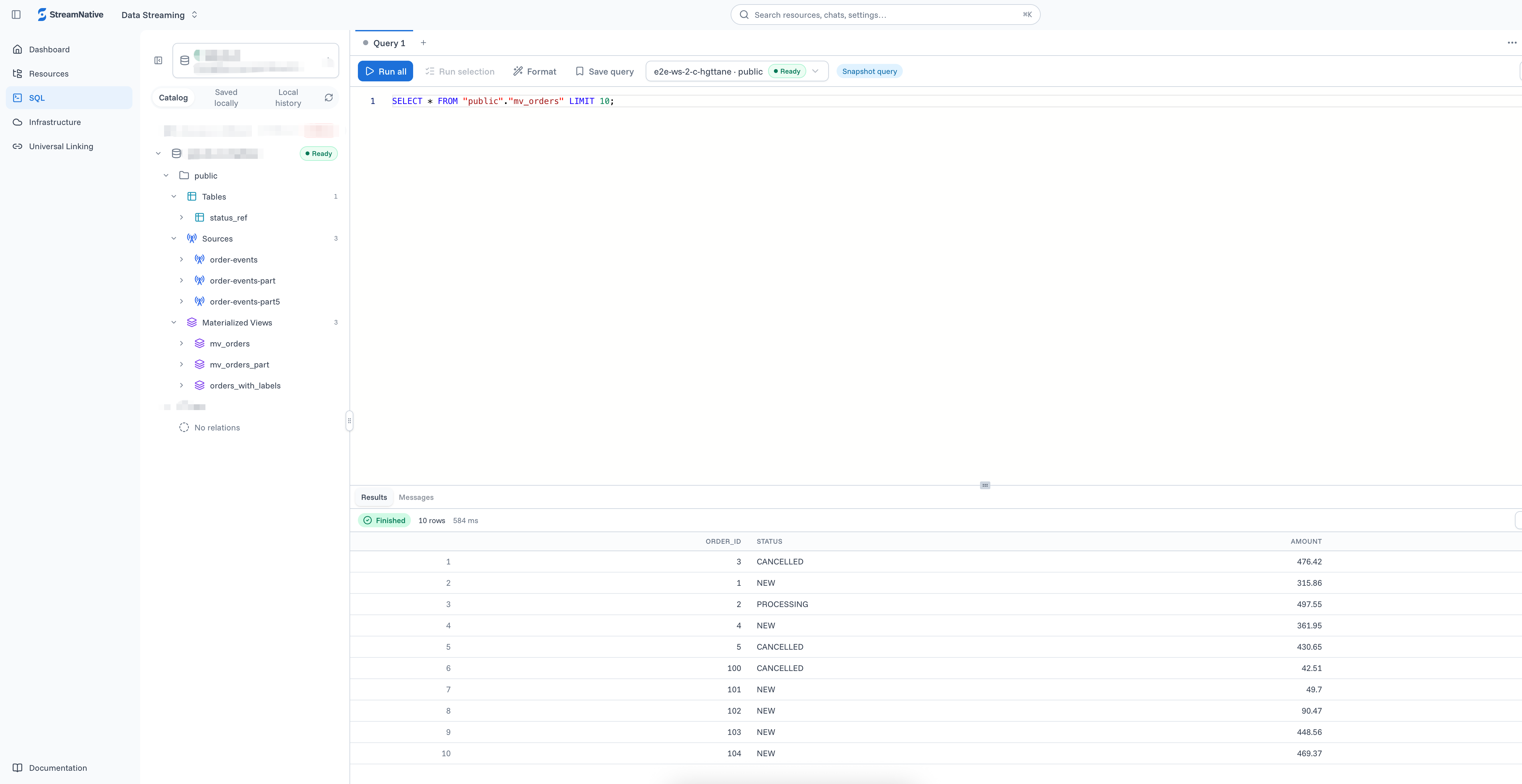
Browse managed topic sources and run SQL in SQL Studio.