Documentation Index
Fetch the complete documentation index at: https://docs.streamnative.io/llms.txt
Use this file to discover all available pages before exploring further.
Red Hat OpenShift is an enterprise-ready Kubernetes container platform built for an open hybrid cloud strategy, It provides a consistent application platform to manage hybrid cloud, multicloud, and edge deployments. StreamNative Private Cloud has supported to deploy and manage on the OpenShift platform, this page describes step-by-step installation.
Install StreamNative Operator
StreamNative Operator has certified as Red Hat OpenShift Operators, so users can easily install the sn-operator through the OpenShift Web Console.
-
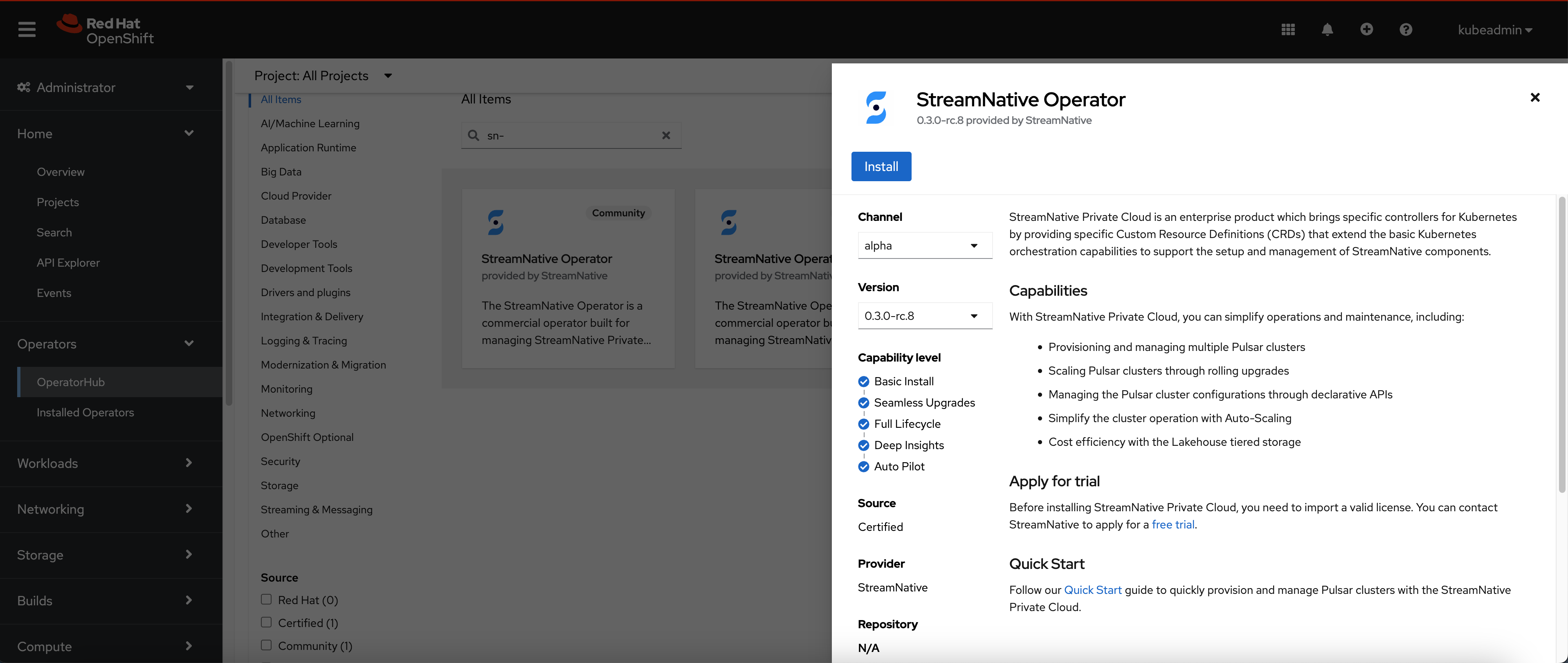
Navigate to OperatorHub page and search for
sn-operator.
-
Click the “Install” button and wait for the operator installation.
-
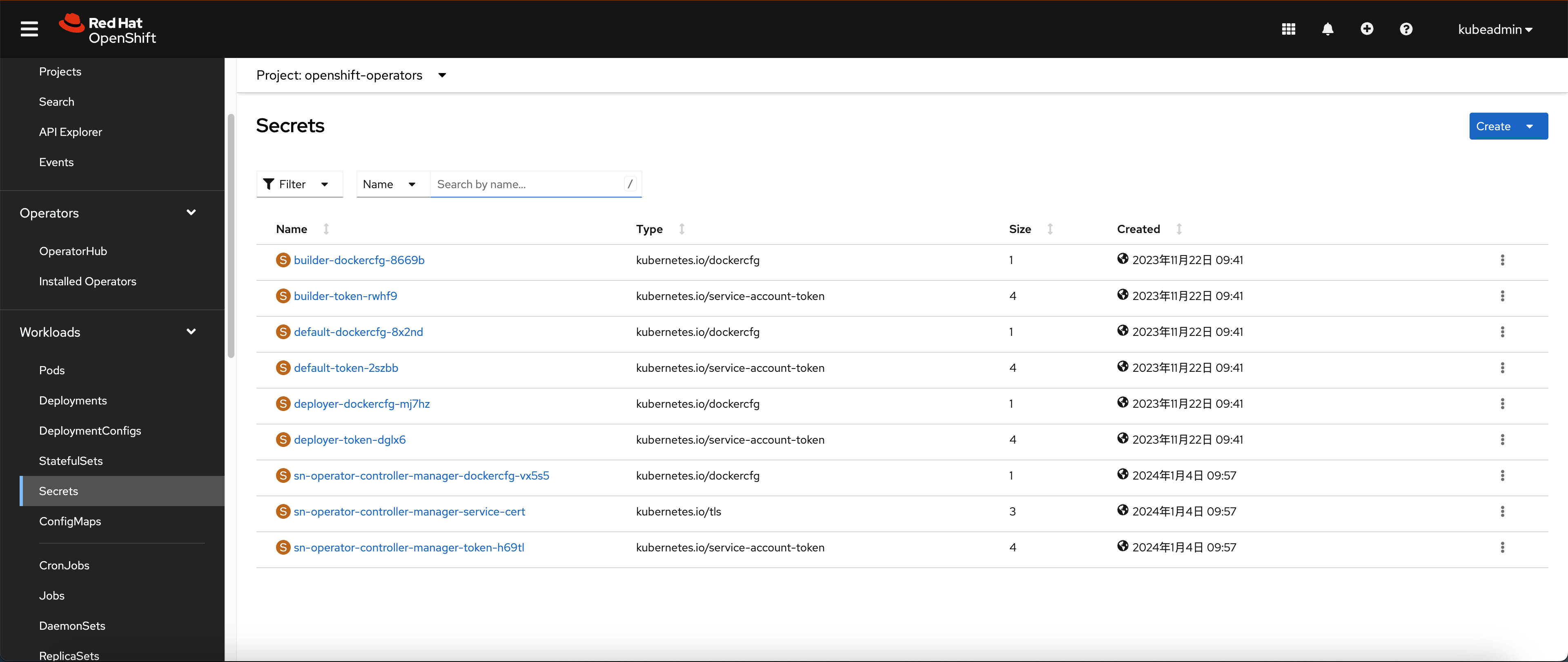
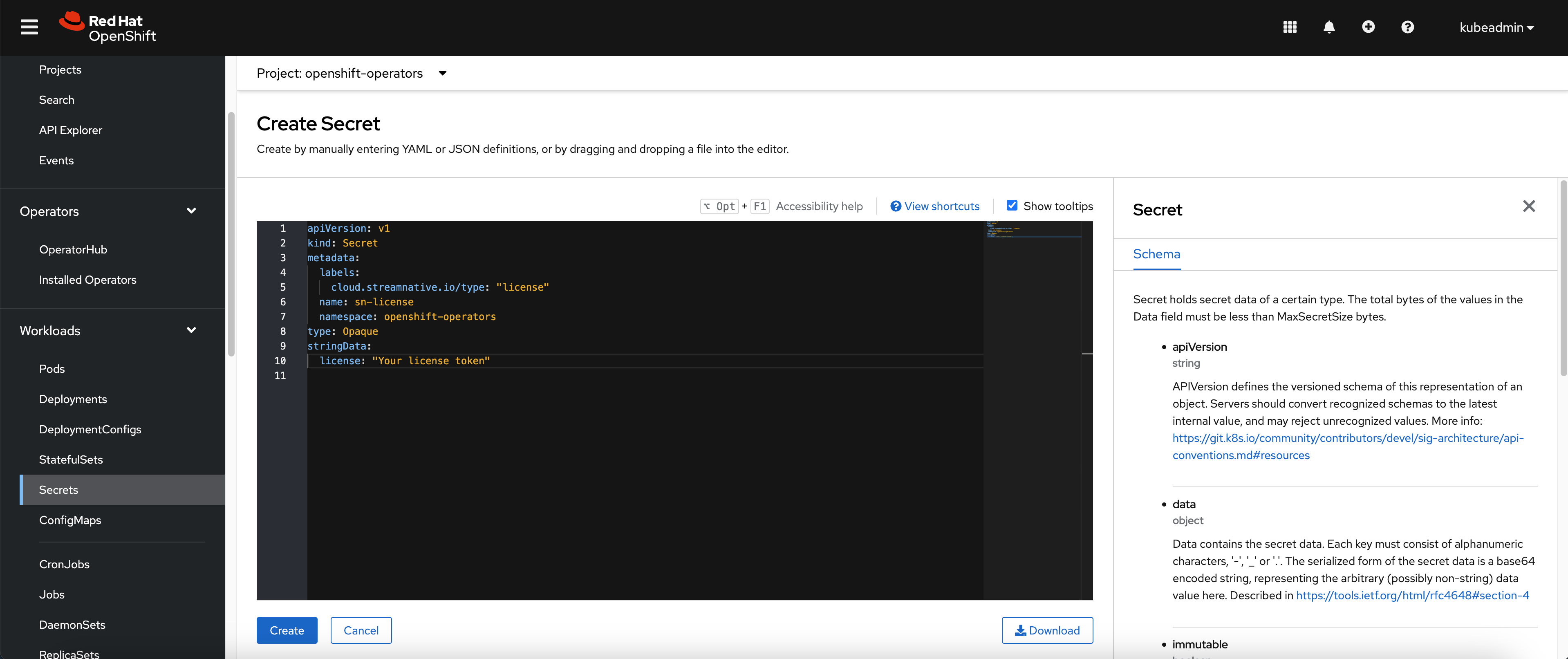
Navigate to the Secret page and switch to openshift-operators project.
-
Create the secret yaml with license token, you can refer the licenses for more details.
Create Security Context Constraint (SCC)
Before provision the Pulsar cluster, you need to configure the Security Context Constraints.
-
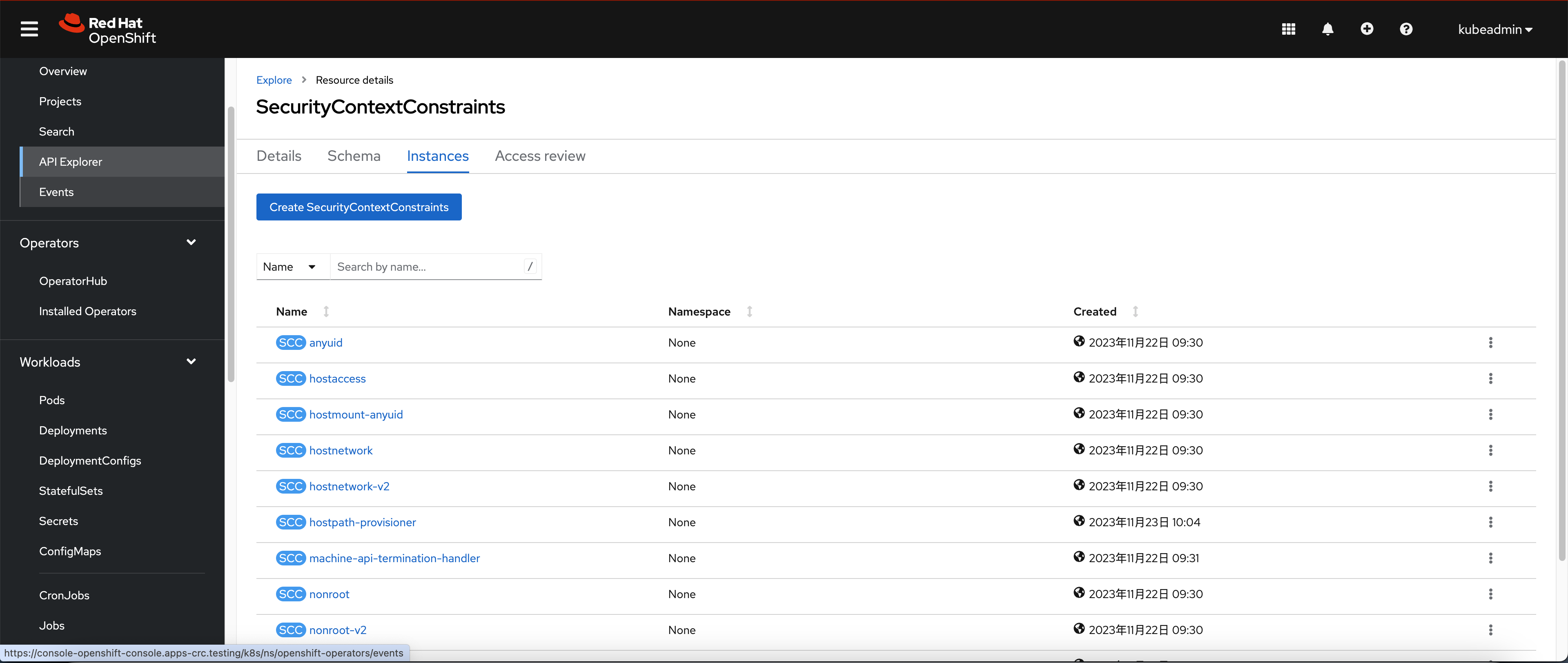
Navigate to API Explorer page and shift to the
SecurityContextConstraints API
-
Create the SCC with below configuration:
apiVersion: security.openshift.io/v1
kind: SecurityContextConstraints
metadata:
name: private-cloud-scc
allowHostDirVolumePlugin: false
allowHostIPC: false
allowHostNetwork: false
allowHostPID: false
allowHostPorts: false
allowPrivilegeEscalation: true
allowPrivilegedContainer: true
defaultAddCapabilities: null
fsGroup:
type: RunAsAny
groups:
- system:authenticated
priority: null
readOnlyRootFilesystem: false
requiredDropCapabilities: null
runAsUser:
type: RunAsAny
seLinuxContext:
type: RunAsAny
seccompProfiles:
- '*'
supplementalGroups:
type: RunAsAny
users: []
volumes:
- configMap
- downwardAPI
- emptyDir
- persistentVolumeClaim
- projected
- secret
Provision Pulsar cluster
After creating the SCC, we can start provisioning the Pulsar cluster.
-
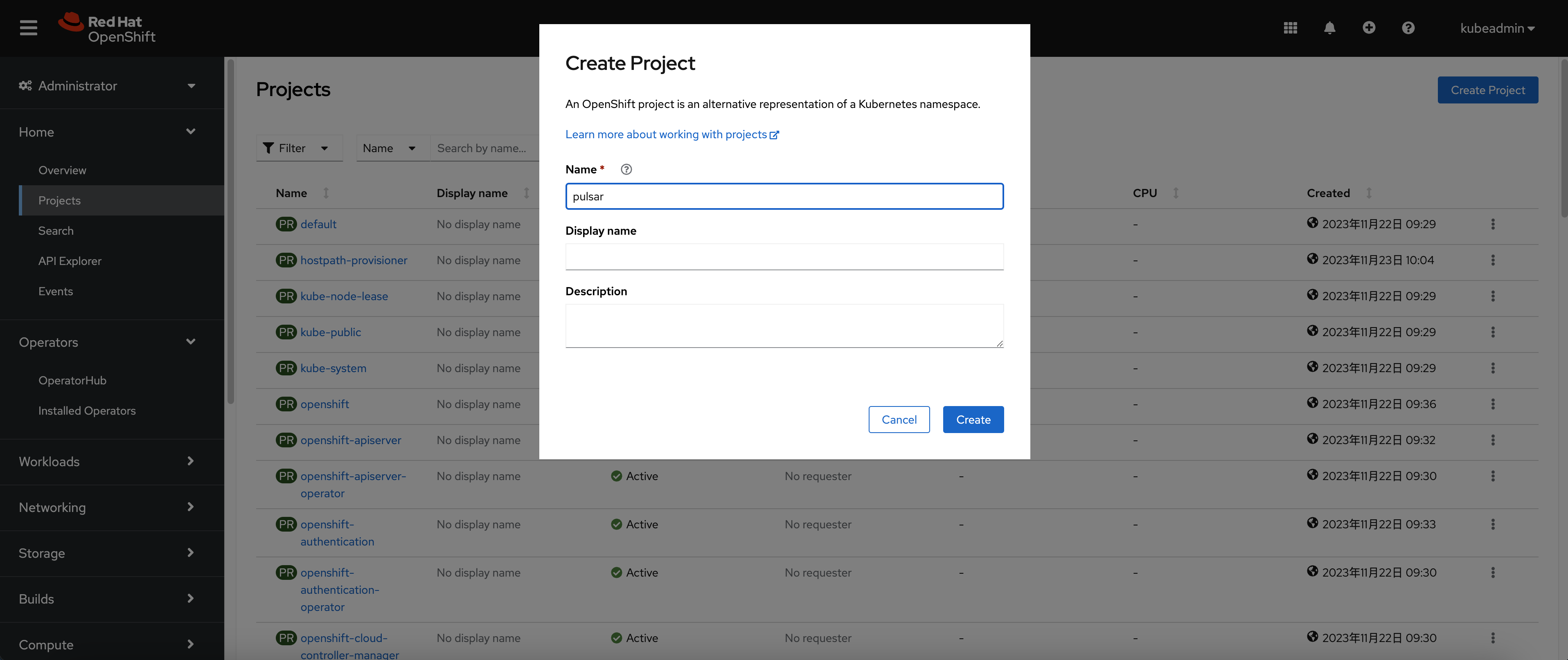
Navigate to the Project page and create a new project called “Pulsar”
-
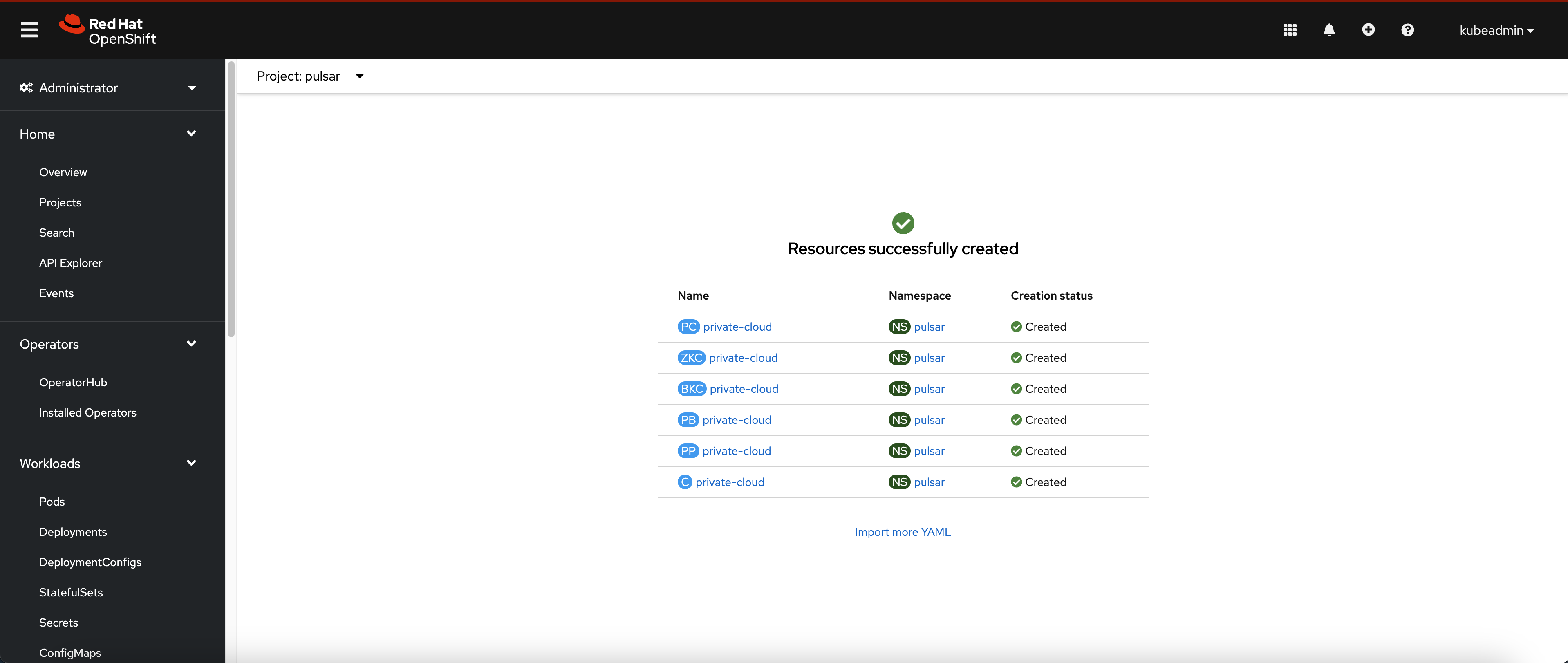
Get into the Pulsar project and create workloads through yaml manifests.
apiVersion: k8s.streamnative.io/v1alpha1
kind: PulsarCoordinator
metadata:
name: private-cloud
namespace: pulsar
spec:
image: streamnative/private-cloud:3.1.1.1
---
apiVersion: zookeeper.streamnative.io/v1alpha1
kind: ZooKeeperCluster
metadata:
name: private-cloud
namespace: pulsar
labels:
k8s.streamnative.io/coordinator-name: private-cloud
spec:
image: streamnative/private-cloud:3.1.1.1
replicas: 3
pod:
resources:
requests:
cpu: 200m
memory: 512Mi
securityContext:
runAsNonRoot: true
persistence:
reclaimPolicy: Delete
---
apiVersion: bookkeeper.streamnative.io/v1alpha1
kind: BookKeeperCluster
metadata:
name: private-cloud
namespace: pulsar
labels:
k8s.streamnative.io/coordinator-name: private-cloud
spec:
image: streamnative/private-cloud:3.1.1.1
replicas: 3
zkServers: private-cloud-zk:2181
pod:
resources:
requests:
cpu: 200m
memory: 512Mi
securityContext:
runAsNonRoot: true
storage:
reclaimPolicy: Delete
---
apiVersion: pulsar.streamnative.io/v1alpha1
kind: PulsarBroker
metadata:
name: private-cloud
namespace: pulsar
labels:
k8s.streamnative.io/coordinator-name: private-cloud
spec:
image: streamnative/private-cloud:3.1.1.1
replicas: 3
zkServers: zookeepers-zk:2181
config:
clusterName: private-cloud
pod:
resources:
requests:
cpu: 200m
memory: 512Mi
securityContext:
runAsNonRoot: true
---
apiVersion: pulsar.streamnative.io/v1alpha1
kind: PulsarProxy
metadata:
name: private-cloud
namespace: pulsar
labels:
k8s.streamnative.io/coordinator-name: private-cloud
spec:
image: streamnative/private-cloud:3.1.1.1
replicas: 2
brokerAddress: private-cloud-broker
pod:
resources:
requests:
cpu: 200m
memory: 512Mi
securityContext:
runAsNonRoot: true
---
apiVersion: k8s.streamnative.io/v1alpha1
kind: Console
metadata:
name: private-cloud
namespace: pulsar
labels:
k8s.streamnative.io/coordinator-name: private-cloud
spec:
image: streamnative/private-cloud-console:v2.3.4
webServiceUrl: http://private-cloud-broker:8080
-
Wait for Pods up and running.