> ## Documentation Index
> Fetch the complete documentation index at: https://docs.streamnative.io/llms.txt
> Use this file to discover all available pages before exploring further.
# Create a SQLWorkspace in the Cloud Console
> Create a SQLWorkspace and select its engine in the StreamNative Cloud Console.
Create a managed SQLWorkspace in an eligible hosted location or BYOC Cloud Environment.
## Before you begin
You need SQL Workspace Private Preview access and a cloud role that permits SQLWorkspace creation. The creation wizard displays only placements available to your organization.
## Create the workspace
1. Sign in to the [StreamNative Cloud Console](https://console.streamnative.cloud) and select your organization.
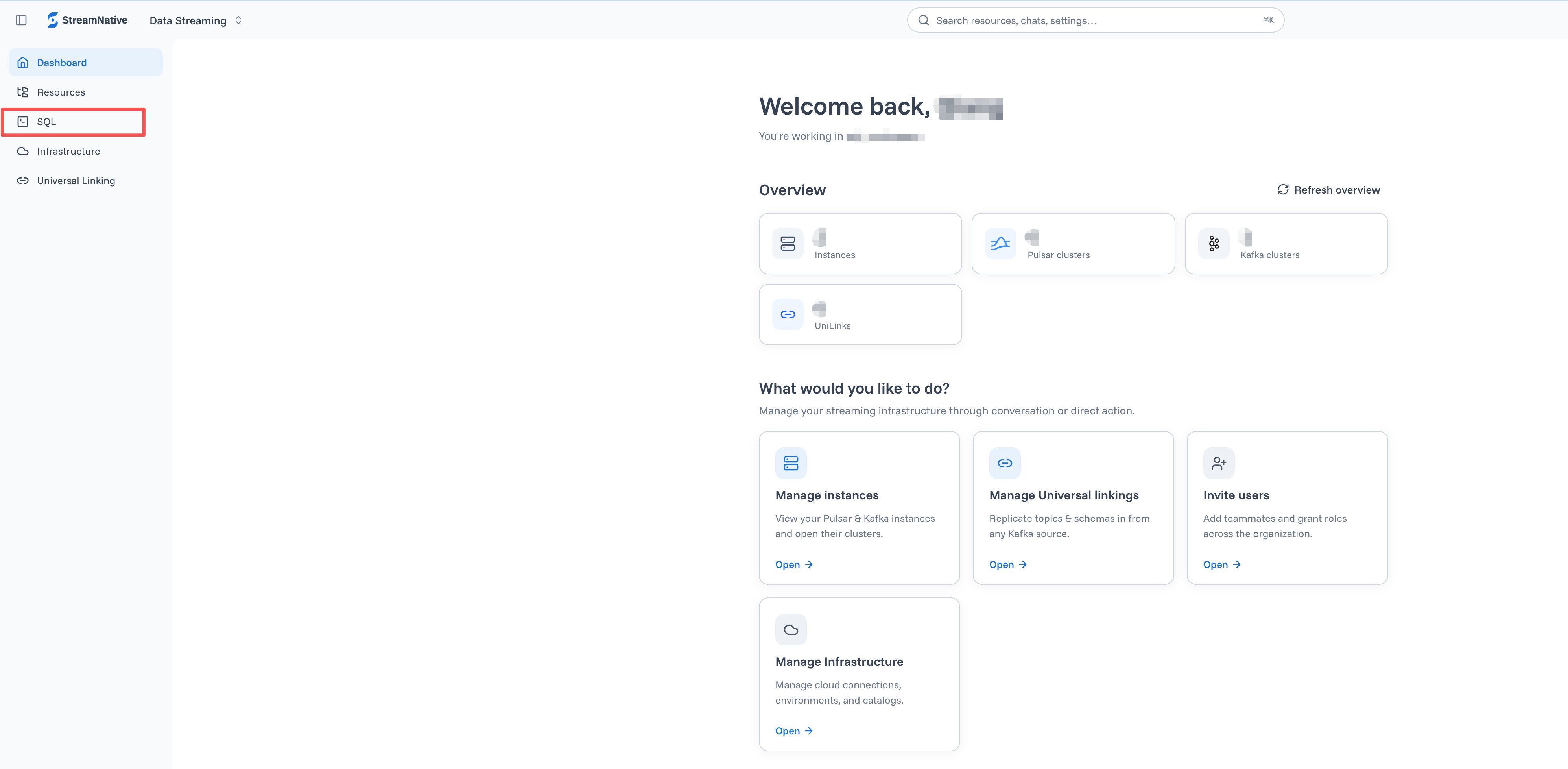
2. In the activity bar, click **SQL**.
3. Open the workspace selector and click **Manage workspaces**.
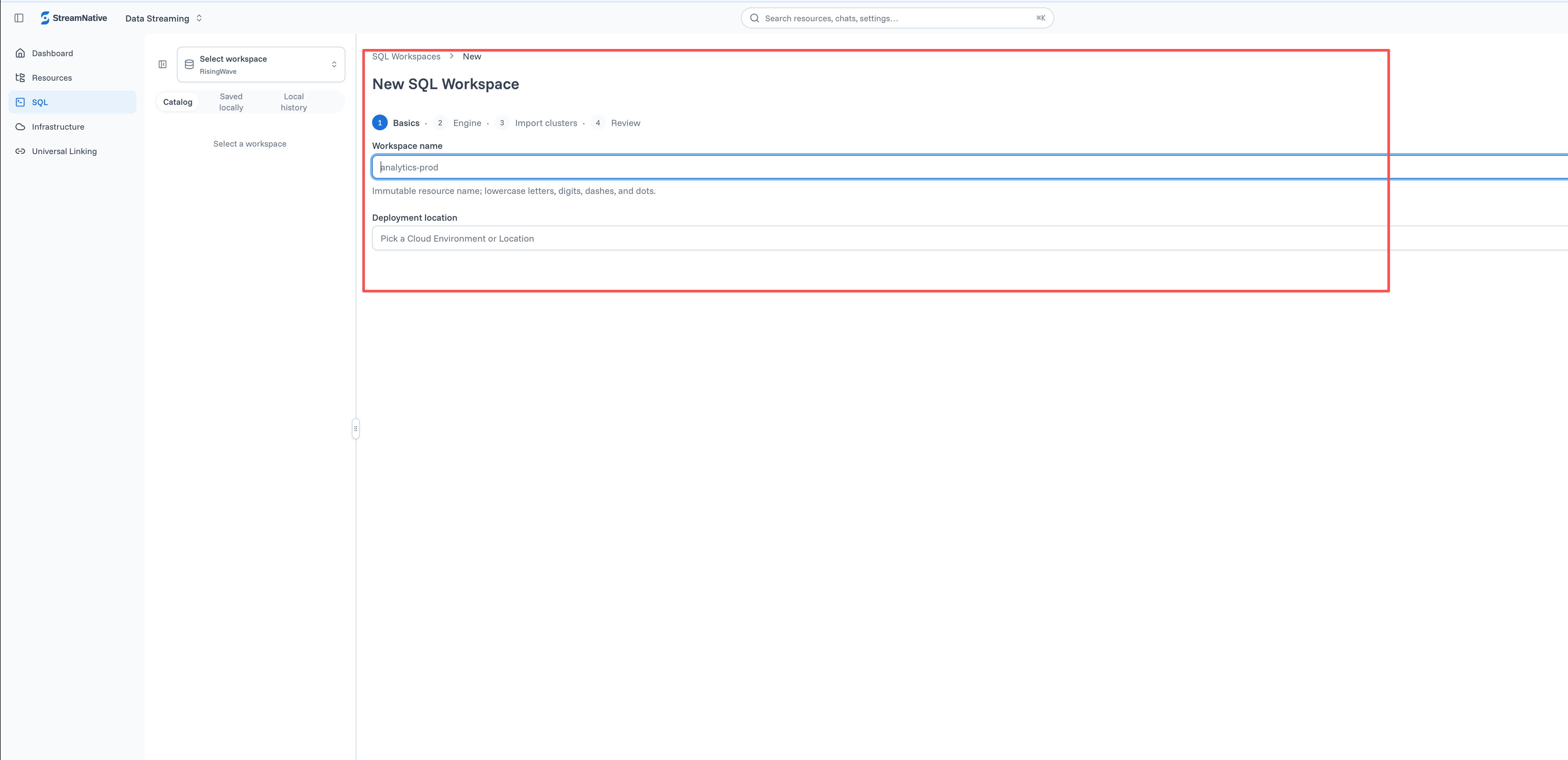
4. On the **SQL Workspaces** page, click **New workspace**.
5. Enter a workspace name. Use lowercase letters, numbers, dashes, or dots. You cannot change the name after creation.
6. Select an eligible hosted **Location** or ready BYOC **Cloud Environment**.
7. On the **Engine** page, select **RisingWave**. RisingWave is the only supported engine during Private Preview.
8. Optional: select Pulsar or Kafka clusters to add as SQLCatalogs during creation.
9. Review the configuration and click **Create**.
10. Wait until the workspace status is **Ready**.
 When the workspace becomes ready, [add a SQLCatalog](/sql/get-started/console/add-sqlcatalog) if you did not add one during creation.